Functionality
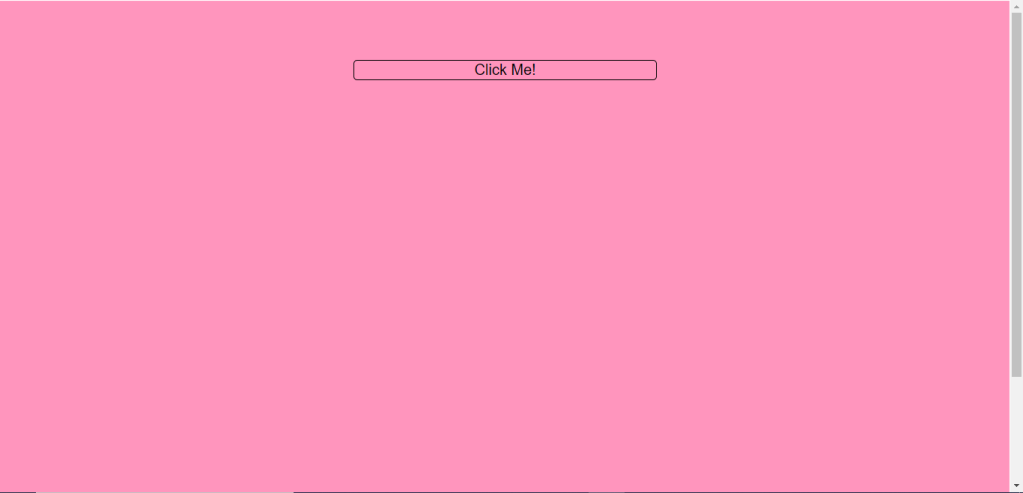
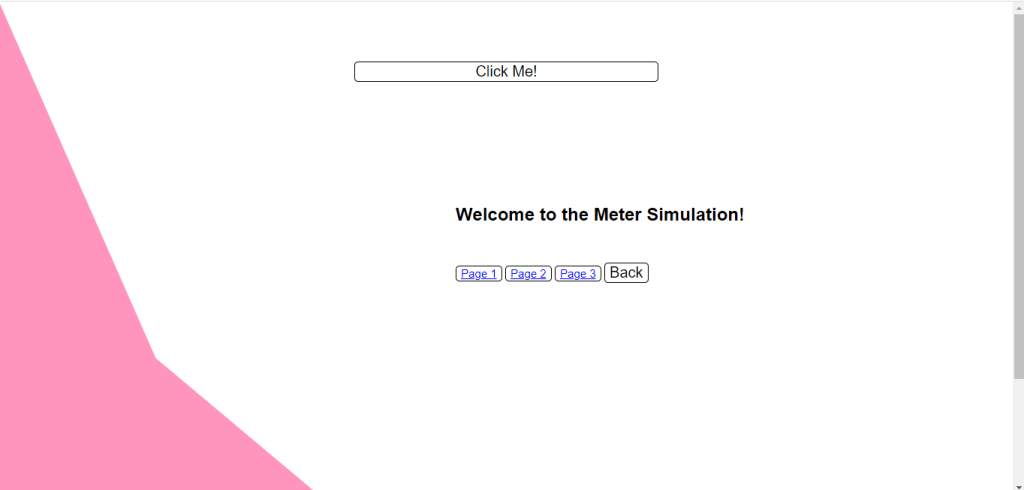
Upon the user entering the website they are greeted with one solid colour background and a button which says Click Me! When the user clicks on button the page will morph revealing a small caption and three page options and a back button in which the user can revert the morph and the page will return to how it was when the user entered the website
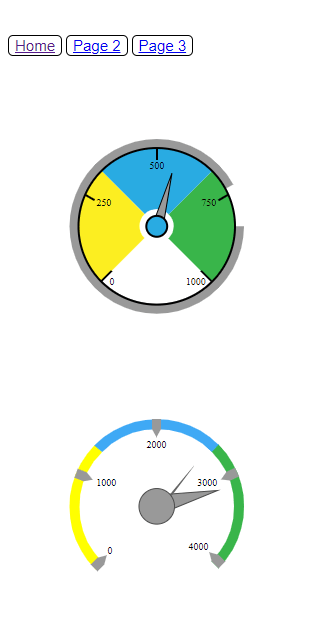
Page 1 has two circle gauge meters. The first (top) meter has a stroke which constantly goes back and forth fully. However when the user hovers over the white part of the gauge the stroke animation will change. As well as the colours of the first one when hovered over them they will change accordingly to the colour that is facing the opposite side of the colour they’re hovering over
The second gauge meter however when the page is loaded the different coloured strokes will go from 0 to going to their place showing the full meter. And then when hovering over the strokes again will start an animation going back and forth indefinitely. For the arrows of both the gauges the top one is constantly going fully around the circle whilst the second one is going from the value of 1000 to 3250.
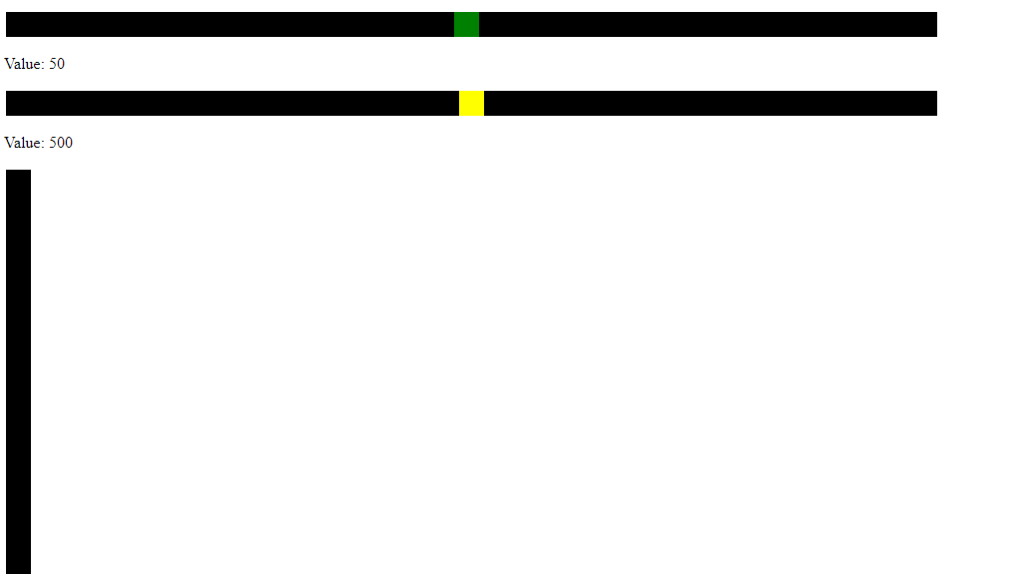
In the second page a total of three sliders are shown. Two of which are horizontal and the other vertical. For the two first, are grouped together. When the user hovers on these sliders the first one will be yellow slider with a green handle and the second one will be a green slider with a yellow handle. Each showing different values first being 1 – 100 and the other 1 – 1000. The vertical one starts off as all black and on hover will show a pink slider with a black handle
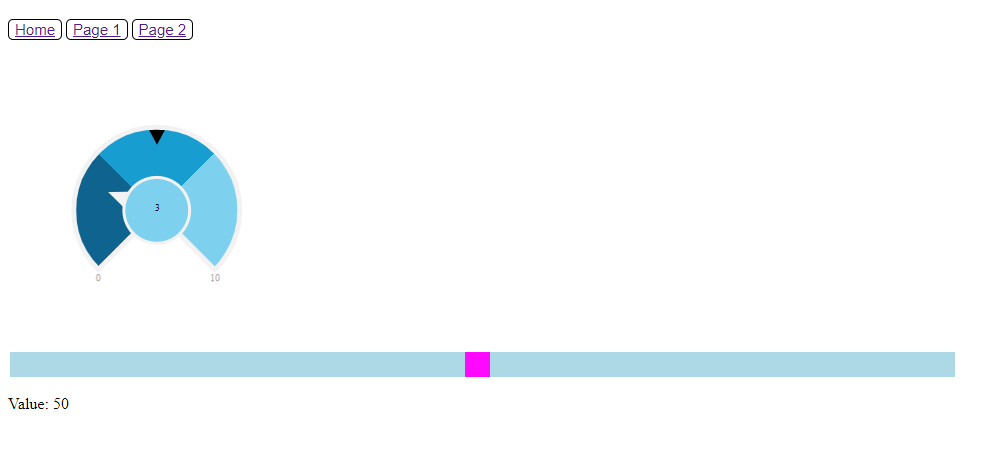
In the third and final page the user will be met with another circle gauge meter and another slider. Where the circle meter will change colour on hover of the blue parts to a darker blue and if the user hovers on the center the circle will turn pink and the stroke will increase in size. The pointer is moving between two points constantly and the slider just changes colour on hover as well.
Improvements
4 improvements that can be applied to the project simulation was, some variety to the sliders as the only animations that were used were the on hover to change the colour. As there were a total of 4 sliders, them all having the same animation property could be quiet boring. The website itself could have been more visually pleasing as it had only a simple navigation bar and the two meters on each page. It could have been split into different coloured backgrounds at least. Another improvement that could have been done was the arrows for the circle gauge meters could have been animated for the arrow to point at where the mouse position is to give some more interactivity. And finally some onclick() functions with the animations could have been added like buttons to play the animation or pause to make it more like a simulation.
Recommendations
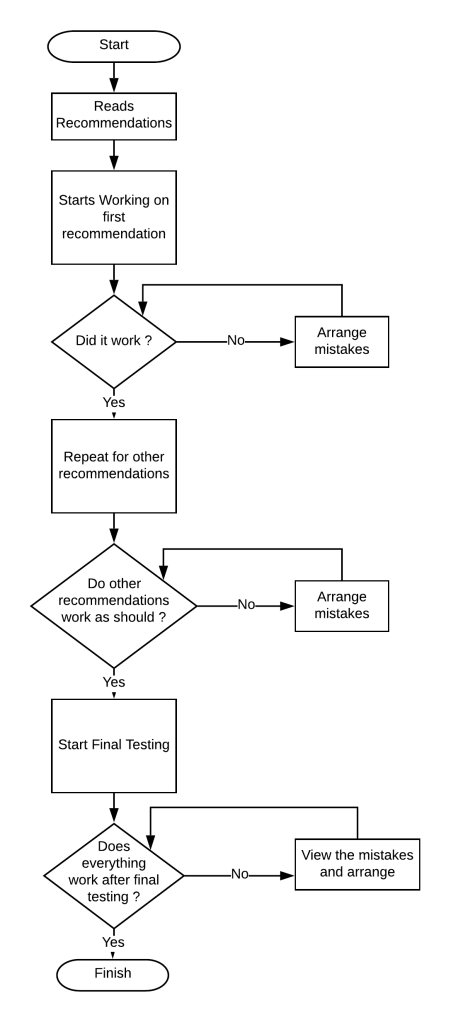
My first recommendations is to use the sliders as if an opacity bar to change the transparency of the colour. The second recommendation would be to use one of the circle meters as a clock using having an animation with the pointer to go fast to show that a lot of time is going by. The third recommendation would be to use one of the circle gauge meters as a launcher and implementing it into a game where from the arrow the user would shoot projectiles. The last recommendation would be to take the three slider and having them as the RGB sliders and then have a box in which depending on the value of the sliders would change the colour of the box.
Strategic plan
 Tiffany Agius MSD6.1B